AI Video for Ads: What Works and What to Avoid
Where AI video tools genuinely help advertisers, where they fall short and how to combine them with real footage.
By A1 Rank · · 2 min read
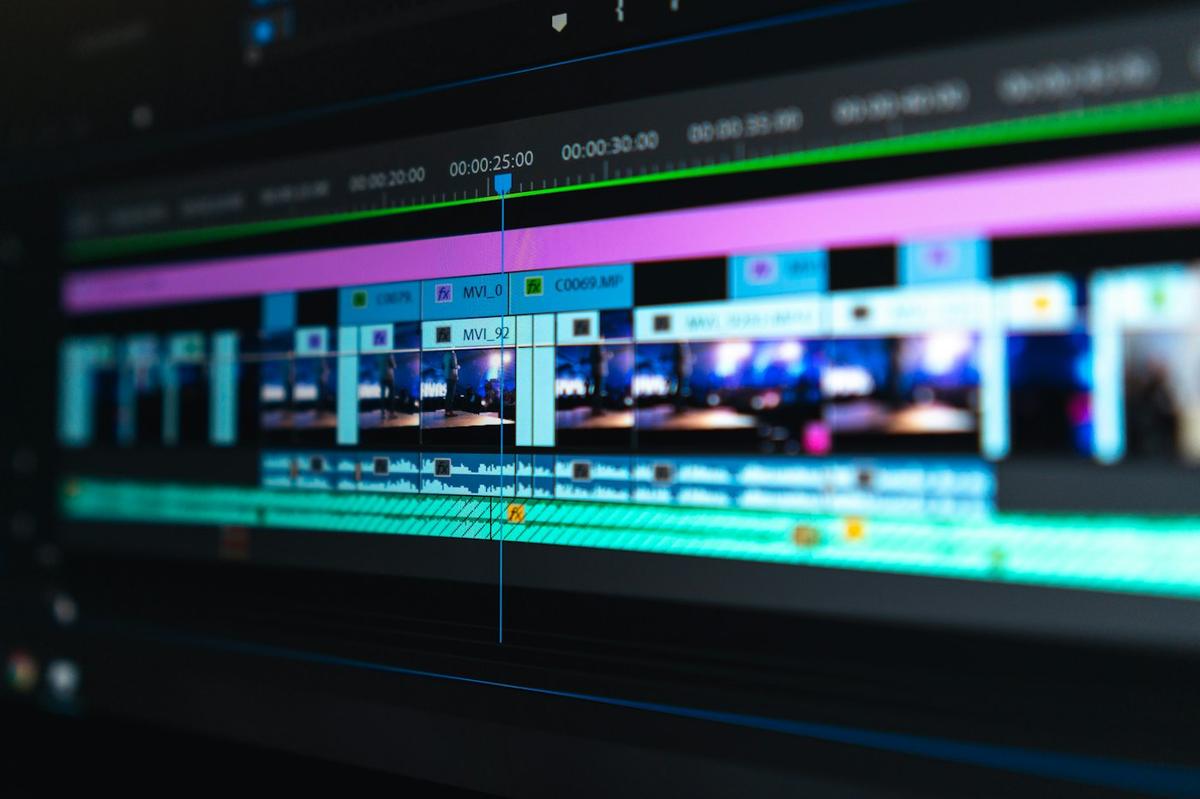
AI video tools have improved quickly. They can turn a script into a short clip, add voiceover and produce many versions of one ad. They work best as a support for real footage.
Where AI video helps
- Producing several versions of an ad to test hooks and openings.
- Subtitles and translation into Arabic and other languages.
- Voiceover for explainers and product demos.
- Motion graphics and animated product shots.
- Resizing one video for stories, feeds and YouTube.
Where it falls short
People buy from people. Fully generated faces and scenes can feel artificial, and viewers notice. For restaurants, clinics, property and anything where trust depends on what is real, genuine footage of your place and team performs better.
A workflow that combines both
Film real footage once, in a batch. Use AI tools to cut it into many versions, add captions, test different first lines and adapt it for each platform. You get the credibility of real video with the volume of AI.
Stay honest and on the right side of the rules
Do not use AI to show results that did not happen, people who do not exist as customers or a likeness of anyone without permission. Ad platforms have their own policies on altered and generated media, so check them before launch.
Measure what the versions teach you
Test three or four openings against each other and keep the winner. The lesson, such as which problem or phrase catches attention, is as valuable as the ad. We run this process in AI video and creative content alongside paid ads.
Key takeaway
Use AI to multiply and adapt real footage. Keep people and places genuine, and let testing decide which version runs.
Want help putting this into practice?
Create more ad video